
How to Make Local Government Emergency Alerts Accessible
Put the hazard, affected area, action, and update time in readable text on the government’s alert page. Keep the same essential instructions in other official channels. A map or graphic can add context, but people should not need to see it, distinguish its colors, or play a video to know what to do.
ADASupport · Published and sources checked November 25, 2026
What should an emergency alert say first?
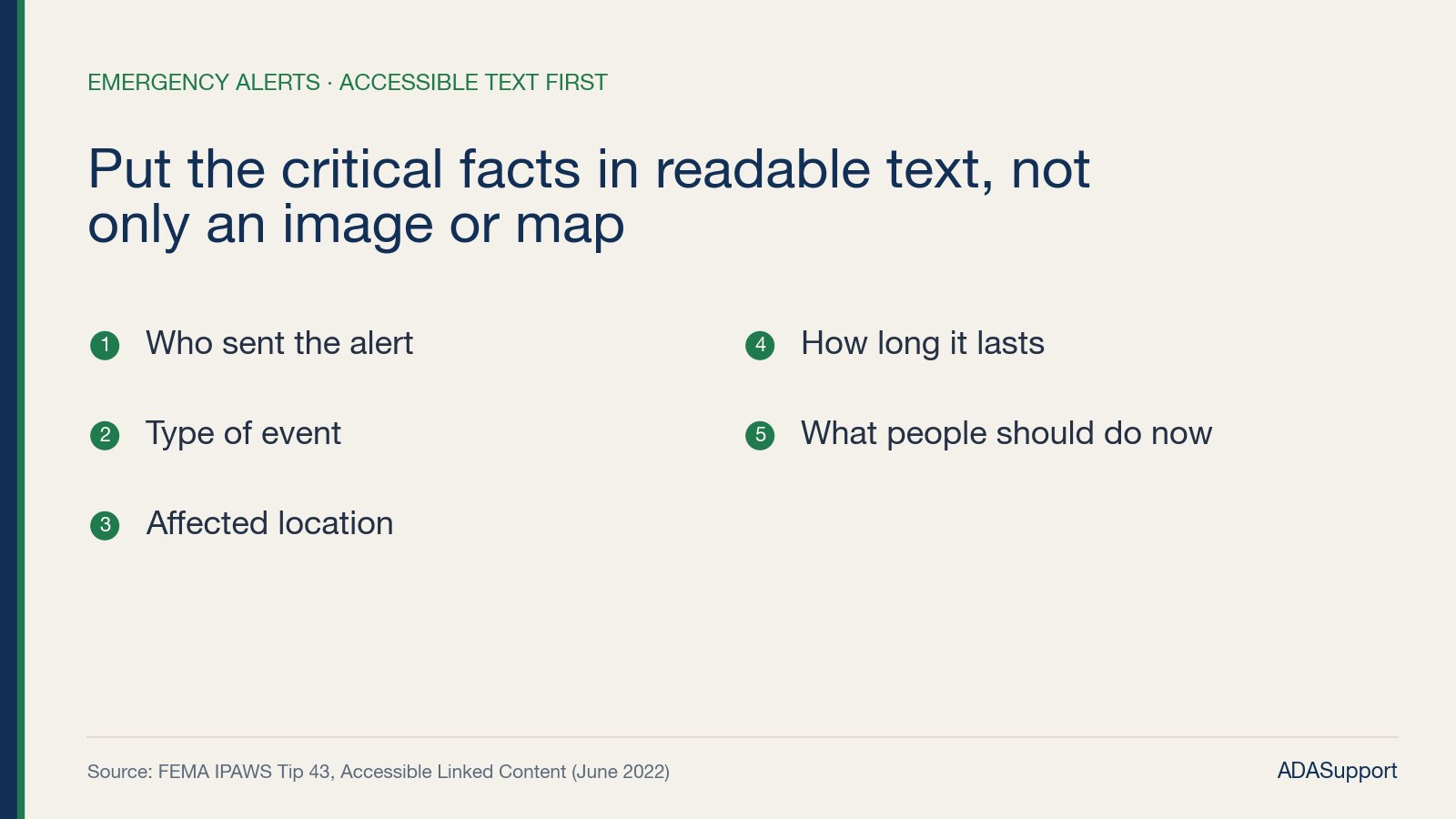
Identify who issued the alert, what happened, who is affected, and what people should do now. State when it takes effect and when the page was last updated, with a time zone if readers could be unsure. Put those facts before the map, background narrative, and links to supporting documents.
Use a headline that describes the event instead of just “Important update.” An exercise placeholder might read “Road closure: Pine Avenue between First and Third streets.” Follow it with the confirmed time and an actionable instruction from the incident team. Distinguish a notice to prepare from an order to act.
See FEMA’s IPAWS best practices for writing warnings and its guidance on accessible linked content. The training example above is not an incident notice.
How can you make the affected area clear without a map?
Describe the boundaries or named locations in text people can read, hear through a screen reader, or copy into another tool. If a map highlights the affected area with a colored fill, the text must do the work of identifying the same area. Pair each zone code with the official instructions for that zone.
For a large or changing area, publish an accessible address or zone lookup if your authority uses one. Test a known inside address, a known outside address, and a failed search. Give people another way to find the authoritative boundary if lookup fails, without inventing a simplified boundary that could misdirect them.
Read WCAG 2.1 on non-text content, use of color, and images of text.
How should you update an alert without losing the current instructions?
Keep one official page for the incident and label the latest status in the main content. When an order changes, state what changed, the affected locations, and when the change takes effect. Mark any earlier instructions as superseded so someone reaching the page from an old message can identify the current action.
If a sign-up or address lookup reports a result without moving focus, test that the status can be announced by a screen reader. That interface behavior is different from the incident update itself. Keep the current alert available as durable page text, even after a temporary banner disappears.
See our guide to accessible status messages for dynamically announced results, and use our Title II web rule overview for the wider website and app requirements.
What can a team test before the next alert goes out?
Run a short drill on a phone and with keyboard and screen reader controls. Start from an official notice, find the affected area, repeat the action in your own words, and identify the update time. Then simulate a changed order and check that the current instructions are still clear across the channels used.
Turn off images for one pass, enlarge text for another, and test a broken link or no-signal scenario in the drill. Assign someone to reconcile changes between channels. The Department of Justice recommends visual and audible options as well as multiple electronic alert methods. A single web-page test does not establish compliance or replace an emergency communications plan.
The DOJ emergency planning guide explains why public entities should plan more than one way to reach people with disabilities.
This guide is educational and does not establish website conformance or provide legal advice.
Frequently asked questions
What should an emergency alert say first?
Identify who issued the alert, what happened, who is affected, and what people should do now. State when it takes effect and when the page was last updated, with a time zone if readers could be unsure. Put those facts before the map, background narrative, and links to supporting documents.
How can you make the affected area clear without a map?
Describe the boundaries or named locations in text people can read, hear through a screen reader, or copy into another tool. If a map highlights the affected area with a colored fill, the text must do the work of identifying the same area. Pair each zone code with the official instructions for that zone.
How should you update an alert without losing the current instructions?
Keep one official page for the incident and label the latest status in the main content. When an order changes, state what changed, the affected locations, and when the change takes effect. Mark any earlier instructions as superseded so someone reaching the page from an old message can identify the current action.
What can a team test before the next alert goes out?
Run a short drill on a phone and with keyboard and screen reader controls. Start from an official notice, find the affected area, repeat the action in your own words, and identify the update time. Then simulate a changed order and check that the current instructions are still clear across the channels used.