
How Do You Test a Government Payment Portal?
Test a government payment portal as one complete transaction, from opening the payment link to obtaining a usable receipt. Include keyboard and screen reader testing, error recovery, and the vendor handoff. A portal provided on a public entity’s behalf generally falls within the Title II web rule even if another company hosts it.
ADASupport · Published and sources checked November 20, 2026
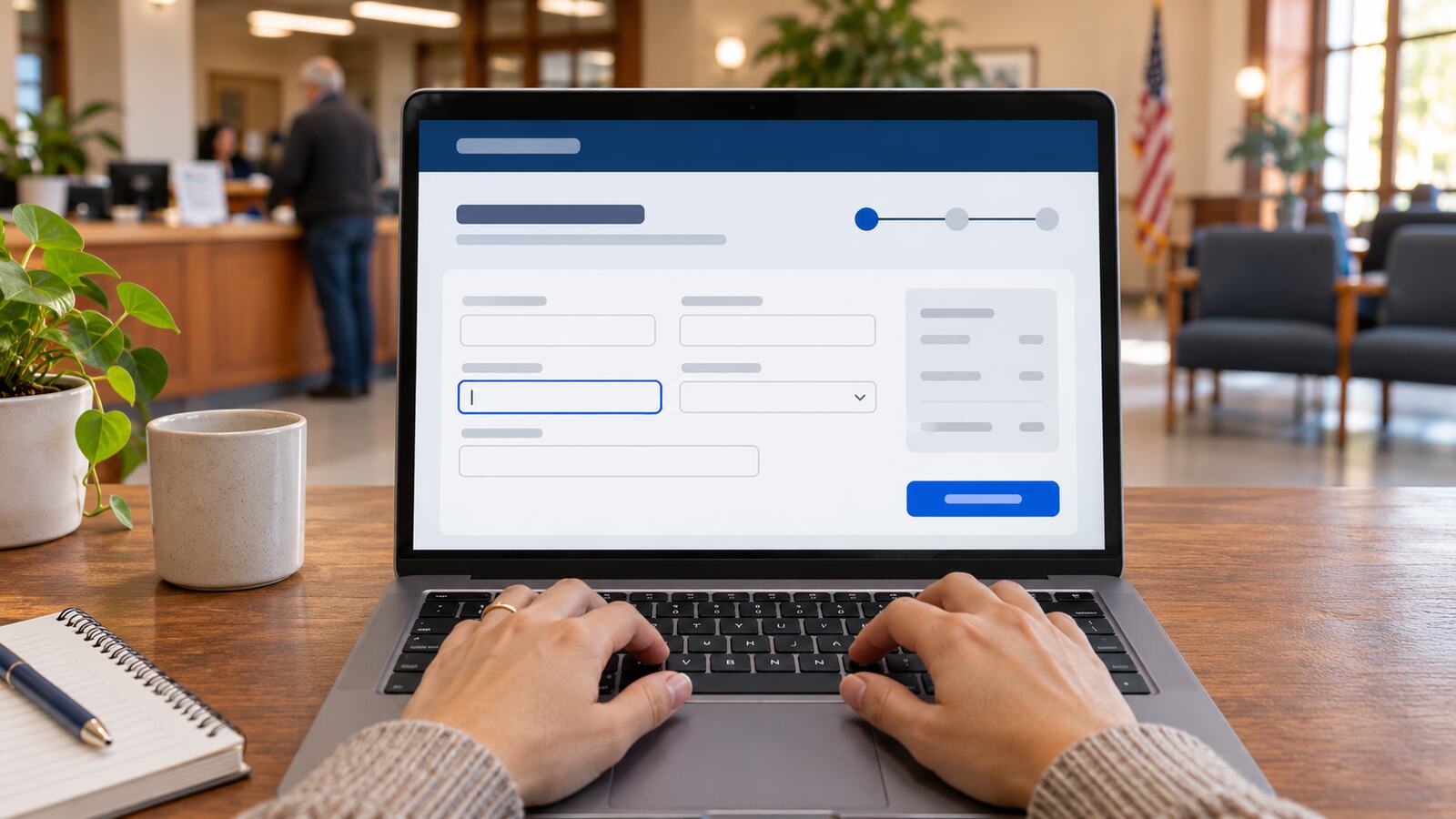
Does a vendor-hosted portal fall within the web rule?
A public entity generally must ensure that web content and mobile apps it provides or makes available through contractual, licensing, or other arrangements meet WCAG 2.1 Level AA under the rule. A vendor collecting payments on the public entity’s behalf is different from an unrelated business that the government merely links to.
DOJ illustrates the difference with a university’s vendor-run tuition payment page versus a private hotel link. The facts and applicable exceptions matter. The April 2026 interim rule generally moved the compliance date to April 26, 2027 for covered entities of 50,000 or more and to April 26, 2028 for smaller covered entities and special district governments.
What should a complete transaction test include?
Start with the link on the government site, then go through account lookup, sign-in if required, amount and fee review, payment confirmation, and receipt retrieval. Use authorized test accounts and a test payment environment. Repeat the journey without a mouse and with a screen reader so that later steps receive the same attention as the landing page.
Check that focus stays visible across dialogs, returns somewhere sensible when a dialog closes, and follows the order of the task. Verify that payment buttons have clear names and that the customer can review or correct the amount and payee before committing.
How should you test errors and payment confirmations?
Try a missing required field and an invalid value with approved test data. The interface should identify what went wrong, help the resident locate and correct the problem, and clearly communicate whether the transaction succeeded. Include a declined or interrupted payment in the test so the customer is not left guessing whether to retry.
Check whether a screen reader gets useful feedback for status updates that appear without a page navigation. Make sure receipt details can be read and retrieved. Keep real account information and payment credentials out of screenshots, logs, and issue trackers.
What evidence should procurement ask a vendor for?
Request accessibility evidence for the specific version and the same end-to-end tasks residents use. Ask who owns defects, how fixes will be retested, and what happens after updates. A generic report can help frame questions, but it is not a substitute for testing the configured service your residents actually receive.
Record the test environment, steps, expected and actual outcomes, and the responsible party. Retest after payment provider changes, new authentication steps, and design or application upgrades. This checklist addresses selected barriers; it does not establish legal compliance or full WCAG conformance.
Does testing the government site cover the payment provider?
Not by itself. When the payment provider handles a step in the transaction, test that step and the transitions into and out of it. A keyboard user may be able to open the provider’s page but still be unable to resolve an error, verify the payment, or retrieve the receipt.
Is an accessibility report enough to accept a portal?
No. A report describes the testing and scope behind it. It may not include your configuration, identity provider, transaction states, or receipt. The strongest acceptance evidence documents the deployed configuration, the complete process, the environments tested, and the outcome of retesting known barriers.