
How to Caption Live Public Meetings
Test live captions in the same player residents will use, not just in the host’s controls. Assign someone to monitor the public feed, decide how the chair will respond if captions stop, and review the caption track before making the replay available.
ADASupport · Published and sources checked November 23, 2026
What does the Title II web rule say about live captions?
The Title II web rule uses WCAG 2.1 Level AA for covered state and local government web content and apps. WCAG’s live-caption criterion applies to live audio in synchronized media, such as a video webcast. That technical requirement does not replace the public entity’s duty to communicate effectively with participants.
The active compliance dates are April 26, 2027 for public entities with 50,000 or more people, except special district governments, and April 26, 2028 for smaller public entities and special district governments. Those dates are for the web rule, not a delay of existing effective-communication duties. W3C distinguishes a public broadcast from an ordinary two-way call; assess live viewers and meeting participants separately.
Read 28 CFR 35.200 and the DOJ fact sheet for the current rules and dates, and W3C’s live-captions explanation for the scope of the criterion.
What should the caption rehearsal cover?
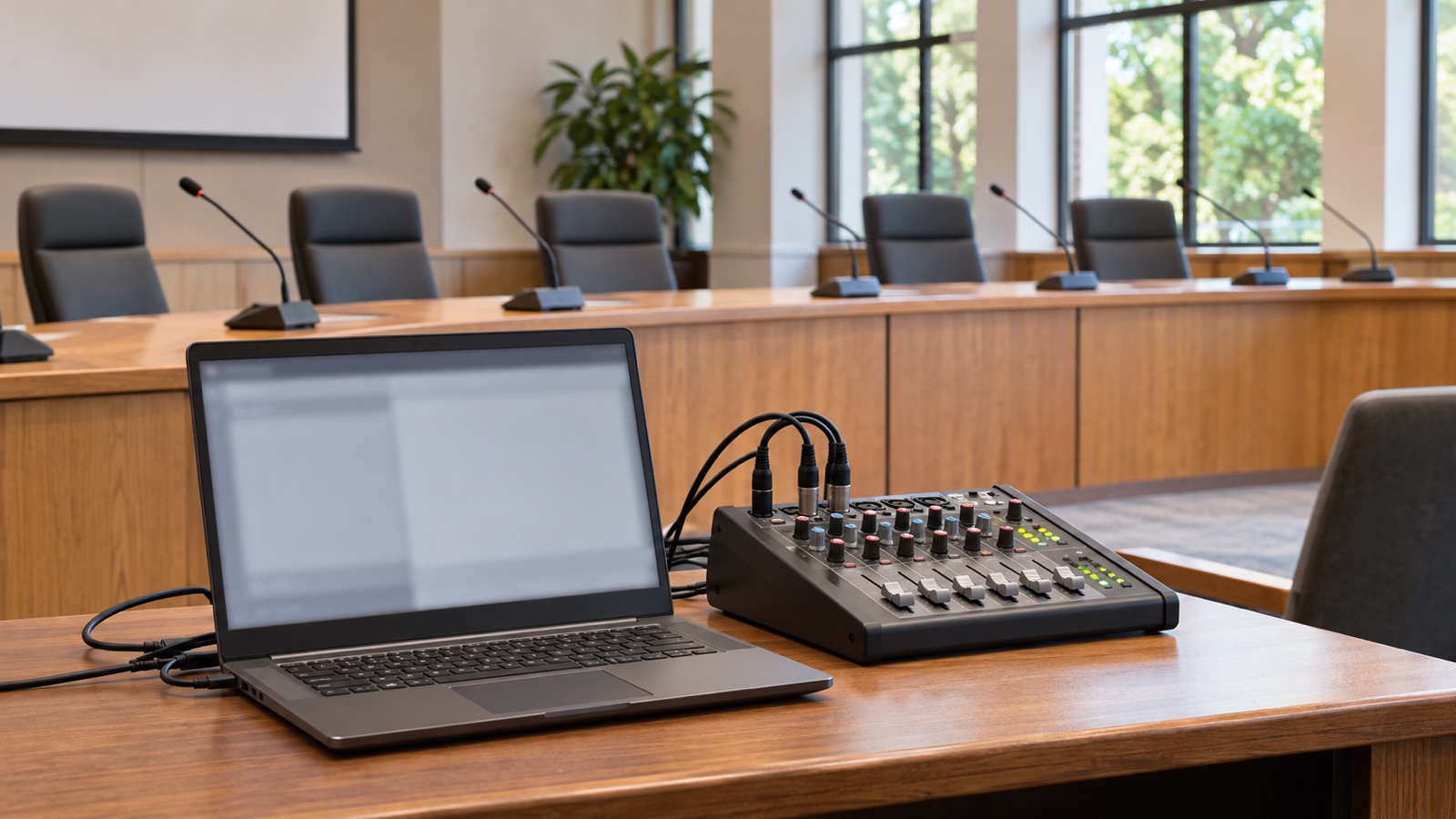
Rehearse with the actual microphones, video player and caption feed you’ll use for the meeting. Have a second person open the public page without signing in as host. Test whether captions can be found and read, follow the right speaker and stay reasonably aligned when the discussion shifts.
Try an agenda item with a street name, an amount, a speaker change and an objection from a remote caller. Check that captions convey speaker changes and meaningful non-speech audio when those details matter. If captions can be toggled, find and operate the toggle with a keyboard. Compare the embedded player and its standalone link on a phone. Give the caption provider the agenda and a pronunciation list in advance.
What should staff do when captions stop?
Assign a staff member to watch the public output and a separate person to tell the chair what failed. Agree before the meeting how staff will announce the problem accessibly and restore captions. A provider dashboard showing a healthy connection is not enough if residents cannot read the live feed.
Practice losing the room microphone or remote audio feed. Confirm that the monitor can distinguish silence in the meeting from lost captions and that a backup feed reaches the public page. Log when the break occurred and what viewers missed. Follow the meeting’s approved procedures for a pause or alternative; do not assume that a transcript posted later restores a chance to comment live.
Are automatic captions enough by themselves?
An automatic caption switch is a feature, not proof that an event is accessible. Listen and read through a realistic rehearsal before relying on any setup. Check accuracy and timing for your speakers and room, and assess whether the communication needs of particular participants call for another aid or service.
Errors in a name, motion, vote or dollar amount can change the meaning. Decide who can correct or flag them and what staff will do if the audio quality declines. DOJ describes real-time captioning, including CART, as one auxiliary aid. A public entity generally gives primary consideration to the aid or service requested by a person with a disability; assess that request through the entity’s process.
DOJ’s effective communication guidance describes choosing appropriate aids and services.
How should staff prepare a meeting replay?
Review a replay as a separate, prerecorded publication. Check that the caption track survived export and is available in the public player, then correct missed speakers, key terms and timing. A text transcript can help people search the discussion, but don’t treat it as a replacement for synchronized captions on covered video.
Compare the recording with the agenda and verify motions, votes and speaker names before posting the cleaned caption track. Open the published player again on a phone and by keyboard, including after seeking to another point. Don’t treat a page named Archive as proof an exception applies. Other media accessibility requirements or an individual request can still need separate consideration.
See W3C’s prerecorded-captions explanation, our accessible video guide, and our Title II web rule overview.
This guide is educational and does not assess any particular meeting or provide legal advice.
Frequently asked questions
What does the Title II web rule say about live captions?
The Title II web rule uses WCAG 2.1 Level AA for covered state and local government web content and apps. WCAG’s live-caption criterion applies to live audio in synchronized media, such as a video webcast. That technical requirement does not replace the public entity’s duty to communicate effectively with participants.
What should the caption rehearsal cover?
Rehearse with the actual microphones, video player and caption feed you’ll use for the meeting. Have a second person open the public page without signing in as host. Test whether captions can be found and read, follow the right speaker and stay reasonably aligned when the discussion shifts.
What should staff do when captions stop?
Assign a staff member to watch the public output and a separate person to tell the chair what failed. Agree before the meeting how staff will announce the problem accessibly and restore captions. A provider dashboard showing a healthy connection is not enough if residents cannot read the live feed.
Are automatic captions enough by themselves?
An automatic caption switch is a feature, not proof that an event is accessible. Listen and read through a realistic rehearsal before relying on any setup. Check accuracy and timing for your speakers and room, and assess whether the communication needs of particular participants call for another aid or service.
How should staff prepare a meeting replay?
Review a replay as a separate, prerecorded publication. Check that the caption track survived export and is available in the public player, then correct missed speakers, key terms and timing. A text transcript can help people search the discussion, but don’t treat it as a replacement for synchronized captions on covered video.